Counter-Strike 2 Overhauls Reloading, Adds Competitive Map Guides & Custom Game Joins
Valve has released a significant Counter-Strike 2 update, introducing a revamped reloading system, limited map guides for competitive play, and the ability to join friends in custom games.
Gameplay Changes: Reloading Overhaul
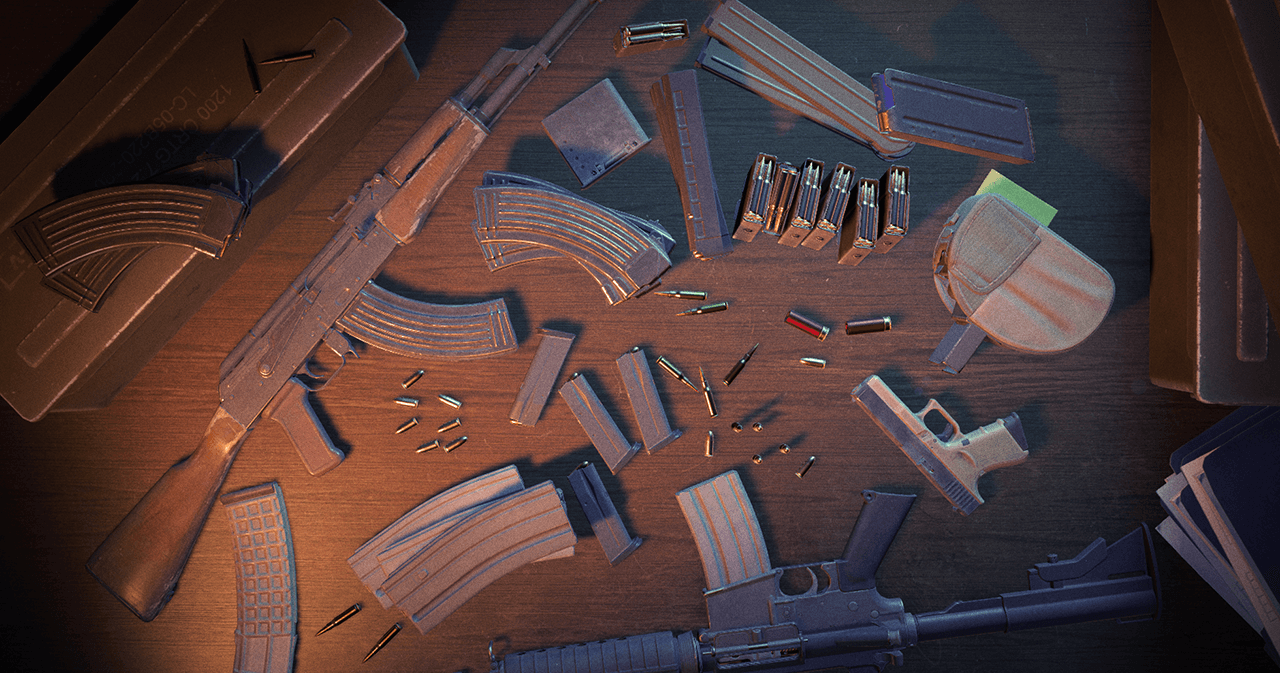
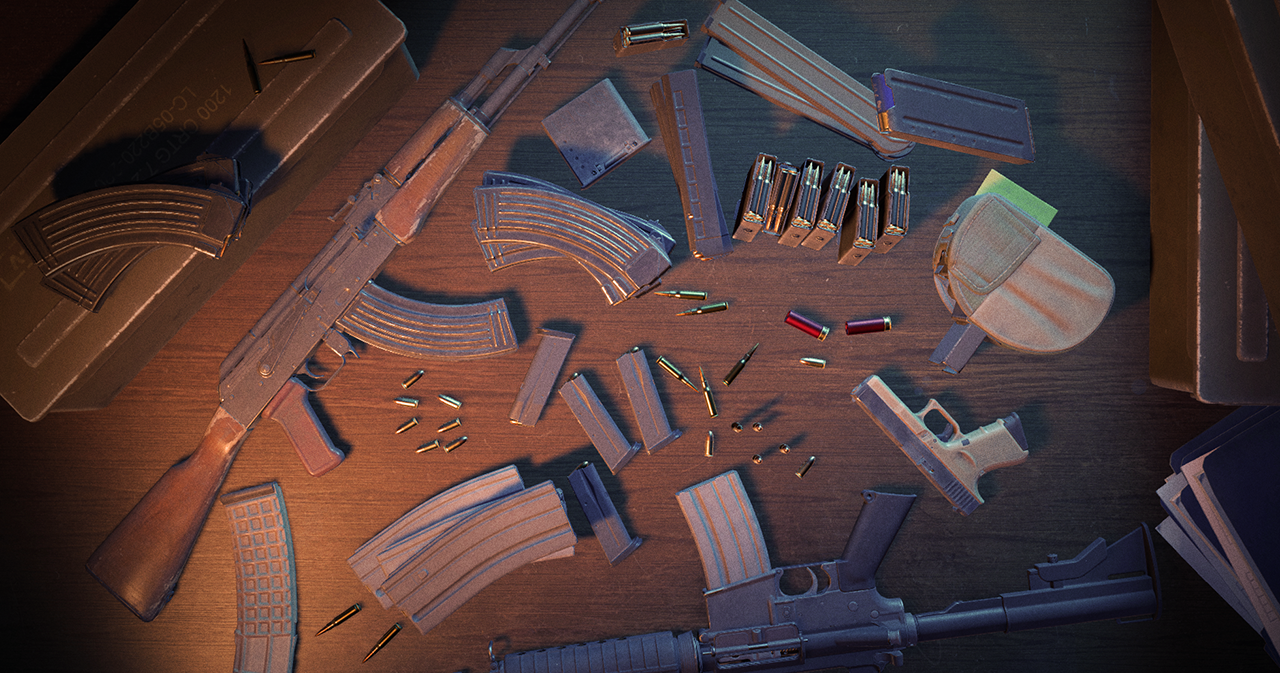
The most impactful change comes to reloading mechanics. Previously, players could reload magazine-fed weapons without significant trade-offs, as discarded ammo was returned to an endless reserve. This has been redesigned to encourage more strategic ammo management.
Now, when a player reloads a magazine-fed weapon, all remaining ammo in the current magazine is discarded. A new, full magazine is then taken from the reserves. This means 'topping off' a magazine will result in the loss of any unfired bullets from the previous one.
Reserve ammunition is now represented by the number of magazines, shells, or bullets, depending on the weapon. The fill-level of the current weapon is also displayed below the ammo count. Most weapons will have three reserve magazines, though some will have fewer to reward efficiency or more to encourage spamming through obstacles.
Map Guides in Competitive Matches
To assist players in learning utility and strategies, limited map guides are now available in Competitive and Retakes modes during the first five rounds of each half (30 node maximum). These guides are less comprehensive than offline versions but offer crucial reminders.
Players can activate a guide from the pause menu. Minimal starter map guides have been added for all Active Duty maps. For more specific guides, players can subscribe via the Steam Community Workshop.
Server operators can configure guide access with sv_allow_annotations_access_level (0 – disabled, 1 – limited view, 2 – full and editable) and sv_annotation_limits_max_rounds_per_half (default 5, -1 for unlimited).
Join Friends in Custom Games
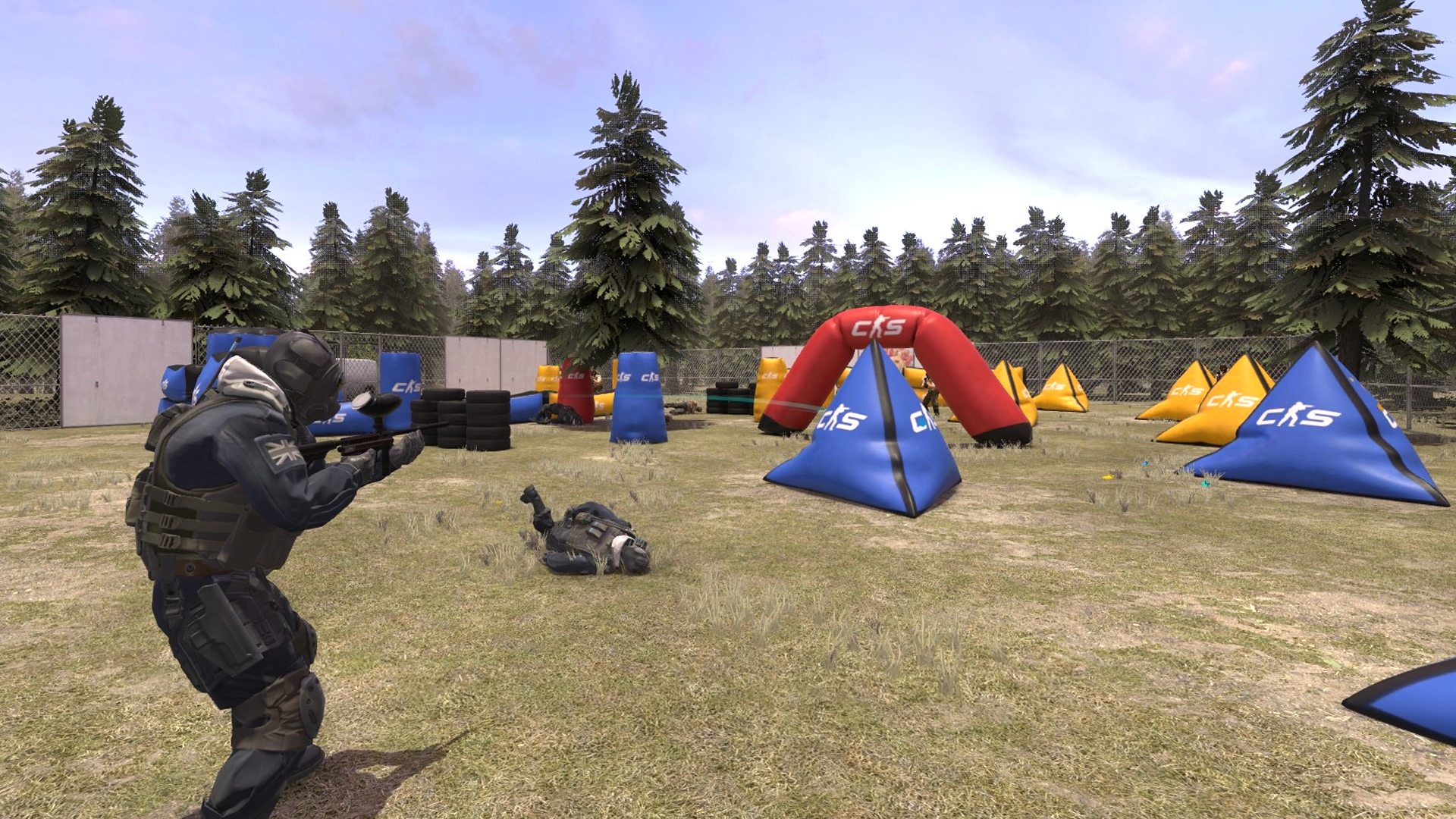
Custom game modes, developed by the community using scripting tools, are now more accessible. Players can join friends directly from the Friends list when they are playing a custom game, whether on a community server or hosted locally, provided the server allows it.
To host a custom game and allow friends to join, players should navigate to the Workshop Maps tab in the Play menu and enable "Open Party." This will host the game on their machine, making it joinable by friends.